
WordPress to Webflow Migration
Move your WordPress site to Webflow without losing your rankings, your content, or your weekends. We plan the migration, rebuild the site in Webflow, map every URL, and train your team to run it.
Why businesses move from WordPress to Webflow
Most WordPress sites we inherit have the same problems. Updates break things. Plugins conflict with each other and slow the site down. Small design changes wait on a developer. Hosting, security, and backups are three more bills and three more logins.
Webflow puts design, hosting, and content management on one platform. There is nothing to update, no plugin stack to babysit, and your team edits copy and images in a visual editor without touching code. The sites we build on it load fast, stay up, and are still easy to change two years later.
A migration is the moment to fix what has been bothering you about the old site, not just to move it. We treat it that way.
On WordPress
Updates that break things
Plugins that conflict and slow the site down
Small design changes wait on a developer
Hosting, security and backups as three more bills
On Webflow
Nothing to update and no plugin stack
Design, hosting and CMS on one platform
Your team edits in a visual editor
Fast, stable and easy to change years later
What a migration with us includes
A full audit of the current site: every page, post, form, plugin, redirect, and integration, so nothing is missed.
A design decision made together: keep the look you have and rebuild it faithfully, or refresh it while we are in there.
A rebuild in Webflow on the Client-First system, so the class structure stays readable for whoever works on the site next.
A CMS structure for your blog, case studies, team, or catalog, with your existing posts migrated in with their images, categories, and dates.
SEO carried over on purpose: page titles, meta descriptions, canonical tags, structured data, and a 301 redirect for every old URL that changes.
Measurement that works on day one: Google Analytics 4 and Search Console connected, with your conversions defined as key events.
Launch on your domain, with DNS handled and the old site kept live until the new one is verified.
Training and handoff, so your team can publish without us.
Optional care after launch: hosting administration, design maintenance, and technical SEO on a monthly retainer.
How long it takes, and what it costs
Once we've mapped your site together and you've approved the mockups, the timeline mostly depends on how quickly we get what we need from you: your current WordPress or Wix login, your photos organized and labeled, and your copy. With those in hand, a small site can launch in anywhere from a week to a month. A site with hundreds of posts, custom integrations or a full redesign takes longer. Either way, you get the timeline in writing before work starts, and we hold to it.
Every migration is a fixed-scope, fixed-price project. Before any work begins you get a written scope that lists every page, collection, and integration, and the price does not move unless the scope does. The number depends on page count, how much content moves, and what has to connect. Start with a free phone consultation and we will quote from your actual site, not from a template.
In writing
Your timeline, agreed before we start
Fixed price
A written scope of every page, collection and integration
You will not lose your SEO
This is the question we hear first, and it is the right one. Here is how we protect what you have built:
We crawl the old site and keep every URL that can be kept.
Every URL that changes gets a 301 redirect, and we test the whole map before launch.
Titles, descriptions, canonicals, and schema move with the pages.
The new sitemap goes to Search Console on launch day.
We watch Search Console for thirty days after launch and fix anything that drifts.
After launch, it is yours
The Webflow site lives in your workspace, under your account, with hosting billed to you. You can edit content, add pages from the components we built, and publish without waiting on anyone. If you ever want to work with someone else, you leave with everything. That is what we mean when we say your web presence should be yours.
Migrations we have shipped
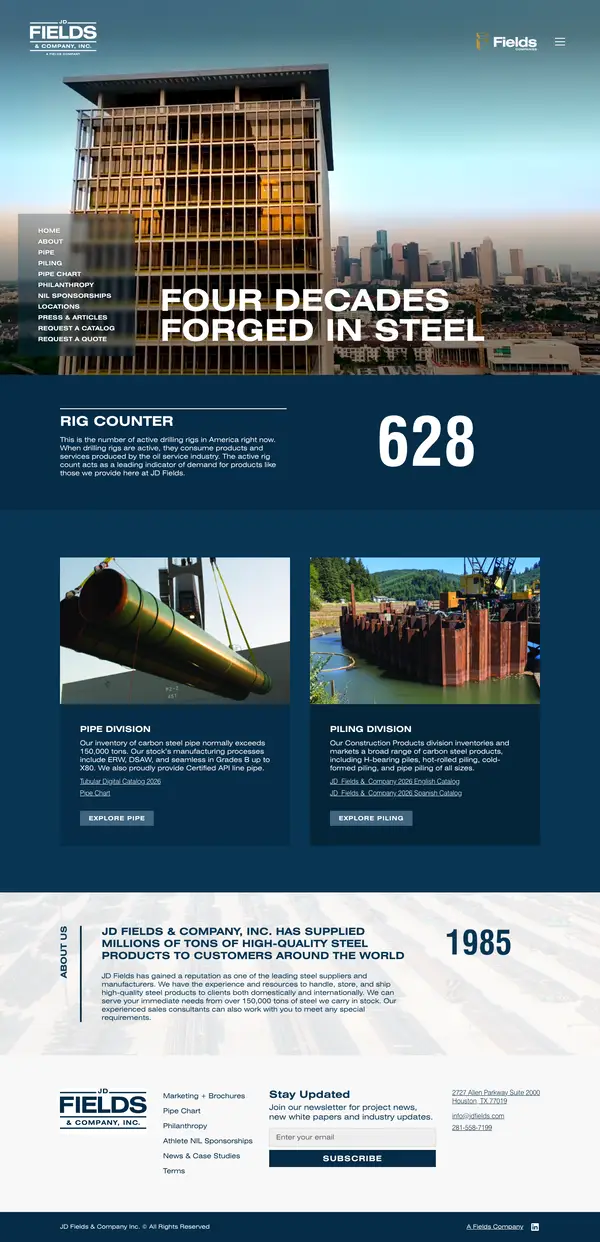

JD Fields & Company
A global steel pipe and piling distributor, moved into a CMS-driven Webflow site with a custom locations map.
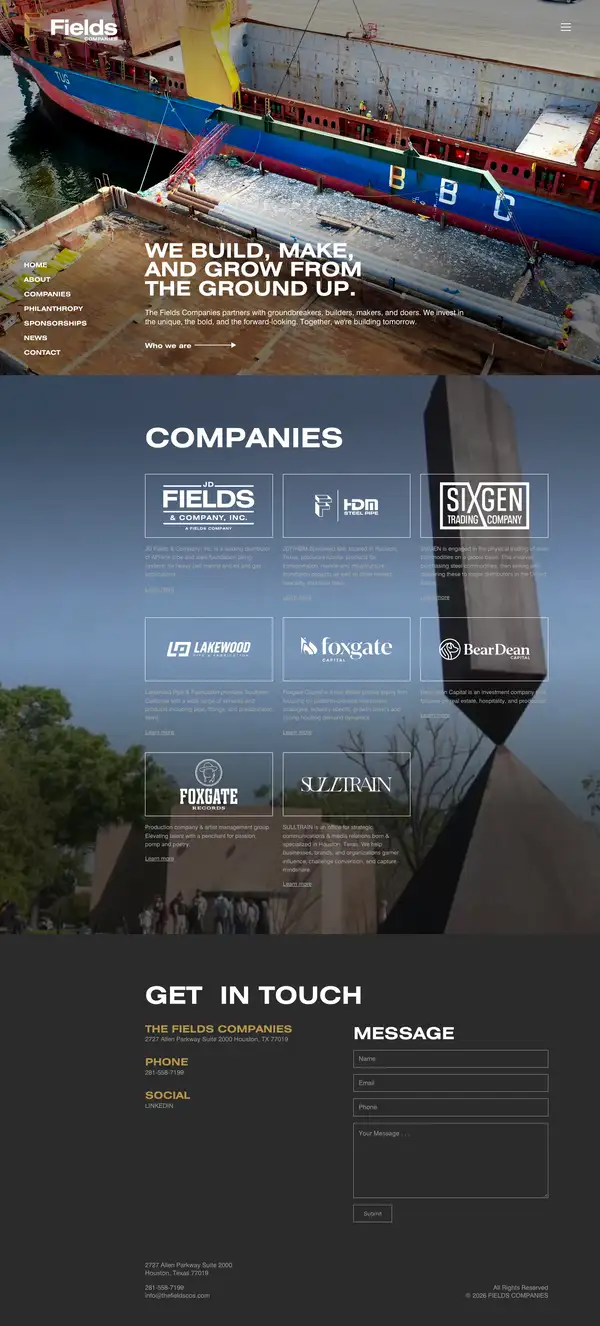

The Fields Companies
A custom-coded corporate site rebuilt as a Webflow site the internal team can maintain.
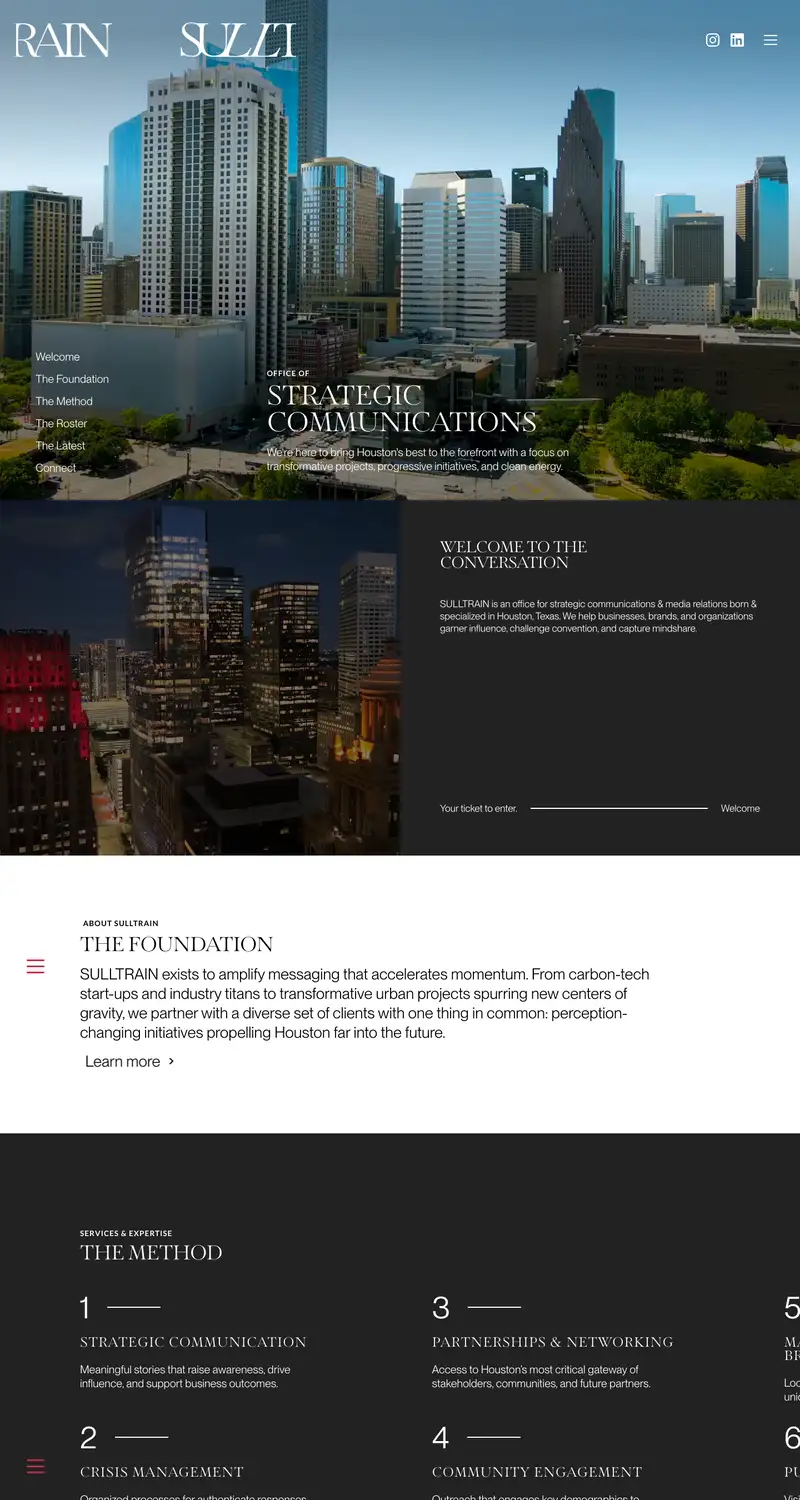

SULLTRAIN
A communications office site rebuilt in Webflow with a CMS-powered press section.
Questions we get asked about migrating
Will I lose my Google rankings when I move to Webflow?
Not if the migration is done properly. We keep your URLs where we can, redirect the ones that change, carry over every title, description, and schema block, resubmit the sitemap on launch day, and watch Search Console for thirty days after. Rankings are protected by process, not luck.
How long does a WordPress to Webflow migration take?
It depends mostly on how quickly we get what we need from you: your current WordPress login, your photos organized and labeled, and your copy. Once we've mapped your site together and you've approved the mockups, a small site can launch in anywhere from a week to a month. Larger sites with hundreds of posts or custom integrations take longer. You get the timeline in writing before we start.
What does a migration cost?
Every migration is a fixed-scope, fixed-price project quoted from your actual site after a free phone consultation. The price depends on page count, how much content moves, and what needs to connect, and it does not change unless the scope does.
Can I edit the site myself afterward?
Yes. Webflow's editor lets your team change copy, swap images, and publish blog posts without code, and we train you on it at handoff. There are no plugins to update and no updates that break things.
What happens to my blog posts?
They move into a Webflow CMS collection with their images, categories, dates, and URLs. Your archive keeps working, and new posts are a form your team fills in.
What about my plugins, like forms, booking, or member areas?
We audit every plugin up front and tell you which ones Webflow replaces natively, which ones connect through an API, an embed, or Zapier, and which ones need a different approach. Forms, analytics, and SEO plugins almost always go away. Booking, CRM, and membership tools almost always connect.
Do you only work with businesses in Houston?
We are based in Houston and work with businesses across the United States. Most of a migration happens over video calls and shared documents, so location has never been a limit.
Who owns the site after launch?
You do. The Webflow site lives in your workspace under your account, and the hosting is billed to you. You can leave with everything at any time.
Start a conversation
Tell us what you're building
The first call is free. Share a little about your business and what you need, and we'll reach out to set up a time to talk.